
10 Tips and Tricks for Job Search Success on LinkedIn
Nearly 60% of decision makers said they did NOT hire a candidate because of the state of their LinkedIn profile.
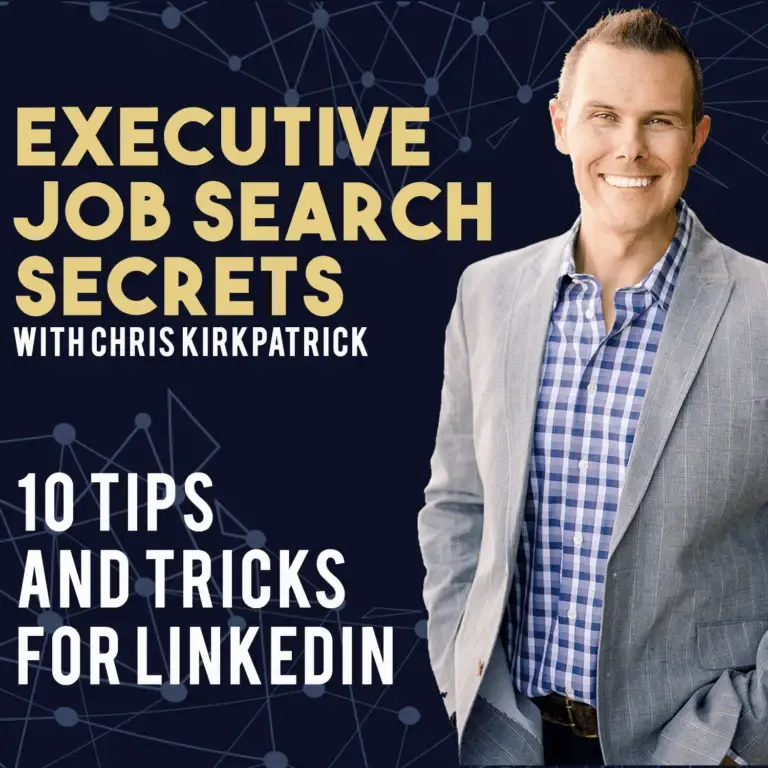
Success on social media can be a little tricky. Even those who are effective and comfortable networking with people in a live setting tend to struggle engaging with people effectively online.
While there is a TON of content on how to drive B2B success on LinkedIn, I thought I would put together a list of 10 tips and tricks that will help job seekers have success.
#1 – You do you!
The goal isn’t to get everyone to love you. That will never happen. Be you, be authentic, and appeal to those who are naturally attracted to what you bring to the table.
#2 – LinkedIn is NOT Facebook
No posting of cat pictures. The rule of thumb here is to make sure you provide some sort of value with everything you do. Keep it professional.
#3 – Seek first to understand
This is an oldie, but a goody: one of the 7 Habits of Highly Effective People in Stephen Covey’s book. This is maybe the most important rule of your job search. For some reason, even people who understand this lose sight of it when connecting with people online. The same rule applies.
#4 – Post unique content
The more unique it is, the more you stand out. The more people will share. The more exposure you get. Remember to use hashtags.
#5 – Quality over quantity
When engaging with your audience, it takes more than “likes”. Rather than giving drive-by “likes” to a dozen posts, take the time to find 2 or 3 posts that really mean something to you and engage with them. Make a comment, leave a note, give an opinion, continue the thought… Add value. Show your expertise. Follow and reply to the responses.
#6 – Request recommendations
Most are not aware you can do this. Request recommendations and be specific with what you are asking for. The reality is, we are all just products in the marketplace. The easiest way to sell any product is social proof. These recommendations function as social proof for potential opportunities.
#7 – Make sure your banner is customized
It is the first thing people see and it is customizable real estate. Take advantage of it. Having the generic banner is lazy.
Customize your LinkedIn banner so it says something about you: what you stand for, what you are passionate about, your brand, your business philosophy. Whatever it is, be unique! Even if you can’t think of anything creative and unique about you as a business person, customize the banner with a unique image that has a nice design as a short-term placeholder.
Make sure your profile picture isn’t blocking valuable content.
#8 – Change your “Connect” button to a “Follow” button
This lets people follow your content without a connection request. Chris walks through how to do it on the CareerNext YouTube channel.
#9 – Write articles
Publish, publish, publish! Give your opinion. It’s a great way to build your brand online. Few people do it. Your articles reach a higher percentage of your network because they are native to LinkedIn, and LinkedIn LOVES that!
#10 – Send messages to people you are not connected with
Send messages to people you are in groups with. Also send to those who have a premium account with an open status. Most people think you need to have someone accept your connection request before you can send them a message.
If you really want to connect with someone and they have been non-responsive, try joining a group they are in (if they are not premium), or just send them a message anyway.